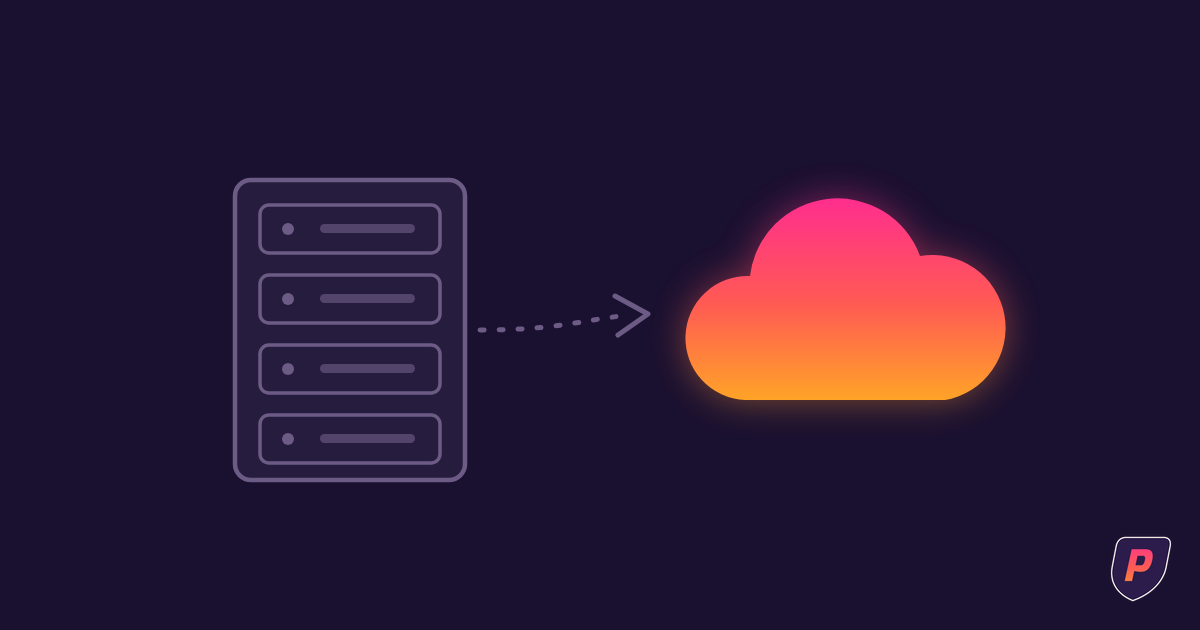
A cloud migration needs a business reason, a clear picture of the systems involved and an agreed plan for what happens before, during and after the move. The destination alone does not tell you whether the change will make work easier.
Start by explaining the problem you want to solve. Then compare the proposed move with other reasonable options for that problem.
Agree on the reason and the expected result
Perhaps aging equipment needs attention, employees need a different way to access files or an application vendor is changing its supported setup. Identify the driver in your own environment.
Describe what success would look like for the people using the system. Which activities should work differently? Which must remain familiar? What problems are outside the project's scope?
Ask how the proposal addresses that purpose. Avoid treating a move as an improvement simply because the destination is newer or described as cloud-based.
Map the dependencies before choosing the sequence
List the applications, data, accounts and connections involved. Include work that crosses systems, such as a document exported from one application and used in another.
Have business users identify important routines, including less frequent activities that might not appear in an ordinary day. Confirm vendor support for the proposed setup and identify who will resolve compatibility questions.
The migration order should follow those dependencies. Email, files and business applications do not have to move in a universal sequence. Some systems may remain where they are while others change.
Make cost and responsibility visible
Review the project scope alongside recurring subscriptions, licensing, storage, support and any overlapping services during transition. Use actual supplier terms and the expected way the business will operate.
Ask which responsibilities move to the cloud provider and which remain with your company or IT team. Include access, configuration, data protection, recovery and vendor coordination in that conversation.
For Microsoft 365, distinguish standard administration from advanced requirements. ProIncident includes administration for a standard business environment; advanced licensing and implementation need their own scope discussion.
Plan testing and the handover to everyday work
Agree which business activities must be tested, who accepts the results and when the change can proceed. Discuss user communication, training needs and what happens if the planned transition cannot be completed.
Identify which recovery or rollback options are technically available and appropriate. Confirm the recovery path before making changes that may be difficult to reverse.
After the move, verify the agreed access, application behavior and operational responsibilities. Update the information people use for support. A project handover should leave employees knowing where to get help and the operating team knowing what has changed.
If the change includes a new workplace, use the office move planning checklist.
Frequently asked questions
Will moving to the cloud reduce our costs?
That depends on the systems, subscriptions, implementation and operating model. Compare the full proposed costs with your current arrangement before deciding.
Does everything need to move at once?
No single approach suits every environment. Dependencies, vendor requirements and business priorities should determine the plan.
Can ProIncident take on a standalone migration?
ProIncident's migration and technology projects are for active managed clients. The ongoing relationship provides the context for planning and operating the changed environment.
Plan the move and the responsibility after it
Bring the reason for the move and the systems that depend on it. Discuss the project within the relationship that will look after the changed environment.